
Mirror for Panasonic TV
Read our comprehensive review of Mirror for Panasonic TV. Discover how this AirBeamTV app lets you cast your Mac screen to your Smart TV without cables.
Eliminate Cables with Mirror for Panasonic TV Screen Casting
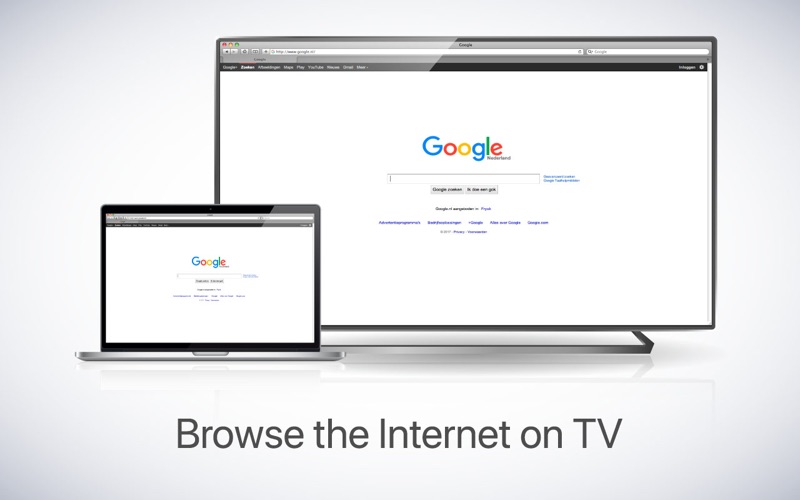
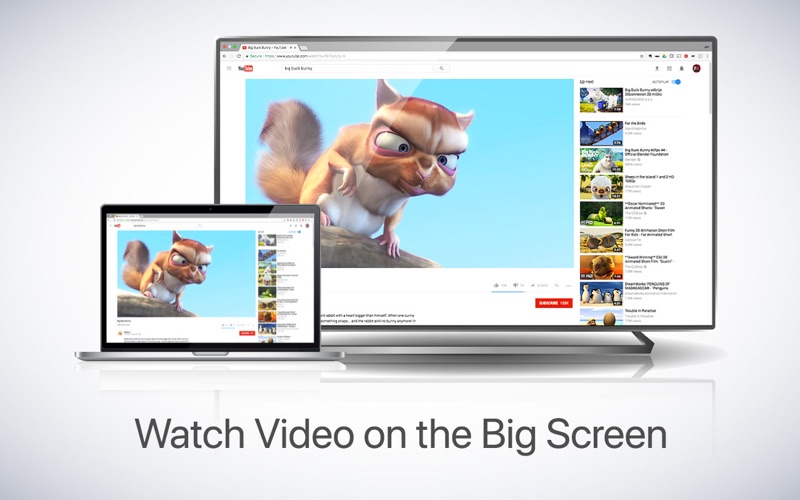
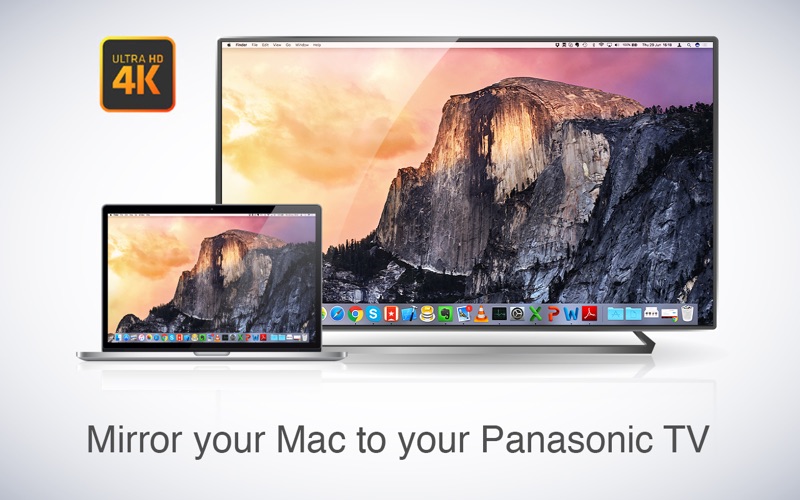
Imagine sharing your Mac's screen directly to your television instantly, without scrambling for HDMI adapters or cluttering your living room with cables. The Mirror for Panasonic TV screen casting application by AirBeamTV BV does exactly that. By utilizing your local wireless network, this clever utility bridges the gap between macOS and your Panasonic Smart TV, allowing you to project presentations, share photos, or stream home videos onto a much larger display with absolute ease.
Key Features of Mirror for Panasonic TV
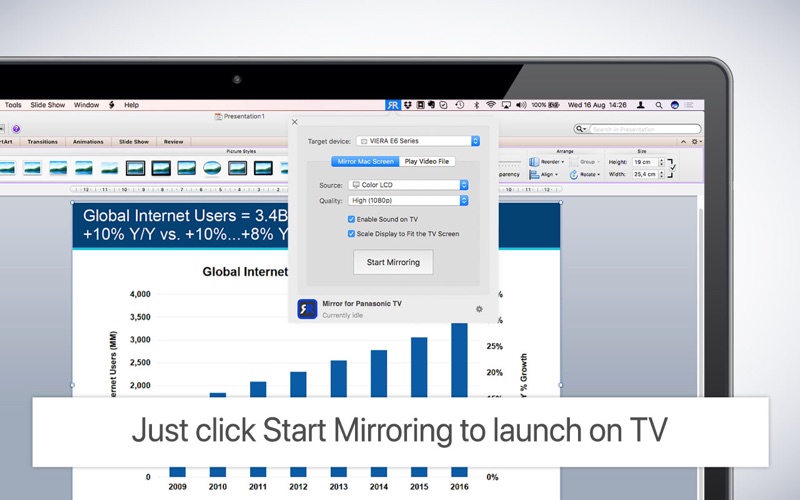
- Wireless Screen Mirroring: Duplicate your entire Mac desktop or select a specific application window to display on your Panasonic Smart TV.
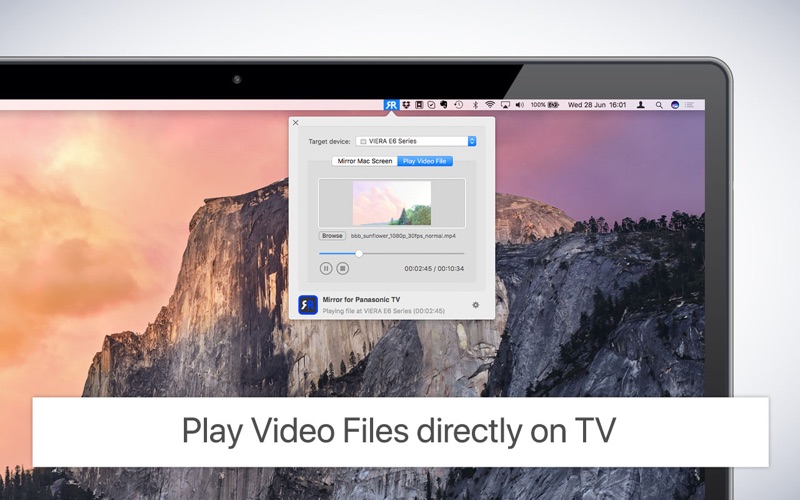
- Direct Video File Streaming: Drag and drop individual video files directly into the app to play them on the big screen without mirroring your entire desktop.
- Multi-Window Productivity: Keep working on one window on your Mac while casting a completely different window to your television.
- Integrated Audio Transmission: Enable sound casting to route your Mac's audio output through your TV speakers using a free downloadable audio driver.
How the Screen Mirroring Setup Works
To use Mirror for Panasonic TV screen casting, ensure both your Mac and your Panasonic Smart TV (2012 models or newer) are connected to the same local network subnet. Once launched, the app sits conveniently in your Mac's top menu bar and automatically scans for compatible televisions. From there, you simply choose whether you want to mirror your active screen or cast a specific local video file. For the best performance, connecting your TV via a LAN cable or using an "ac" dual-band wireless router is highly recommended to minimize network latency.
Who is This Application For?
This utility is an excellent fit for professionals who need to deliver presentations, families wanting to share photo albums, and users streaming personal video files. Because wireless transmission introduces about a second of latency, it is not designed for fast-paced gaming. Additionally, due to Apple's HDCP DRM protections, mirroring iTunes-rented or purchased movies is not supported. Aside from these standard platform limitations, it offers an incredibly reliable alternative to physical hardware cables.
Get Started Today
If you are looking for a seamless, hardware-free way to connect your computer to your television, this tool is a highly capable choice. You can learn more about this utility and purchase it directly from the Mac App Store to start enjoying a cable-free viewing experience.